
Registered
Childcare Vouchers Accepted





Build your own 3D printer, then design everything from custom game items to moving creatures, and take it all home.
On the first morning you'll build your own 3D printer, a Bambu A1 Mini. It prints everything you design all week, and you take it home at the end.
You'll design in Extrudle, professional design software made by Tech Camp, the people teaching you. It's easy to learn, one app does what our old course needed three for, and a lifetime Extrudle account is included, so you can keep designing after the camp.
You won't just learn to use a printer. You'll learn to design for one: overhangs, bridges, parts that print without supports, and fits so parts slot, click and screw together.
Then you'll make things that move, straight off the printer: flexible creatures, infinity cubes and fidget clickers, each printed in one piece. By Thursday you'll be sculpting a crystal dragon.
On Friday you design your own product. Because the design is yours, you can sell what you print: some campers have gone on to start their own 3D printing businesses.
Most campers start as Designers. Returning campers can progress to Engineer sooner, sometimes within the same week.
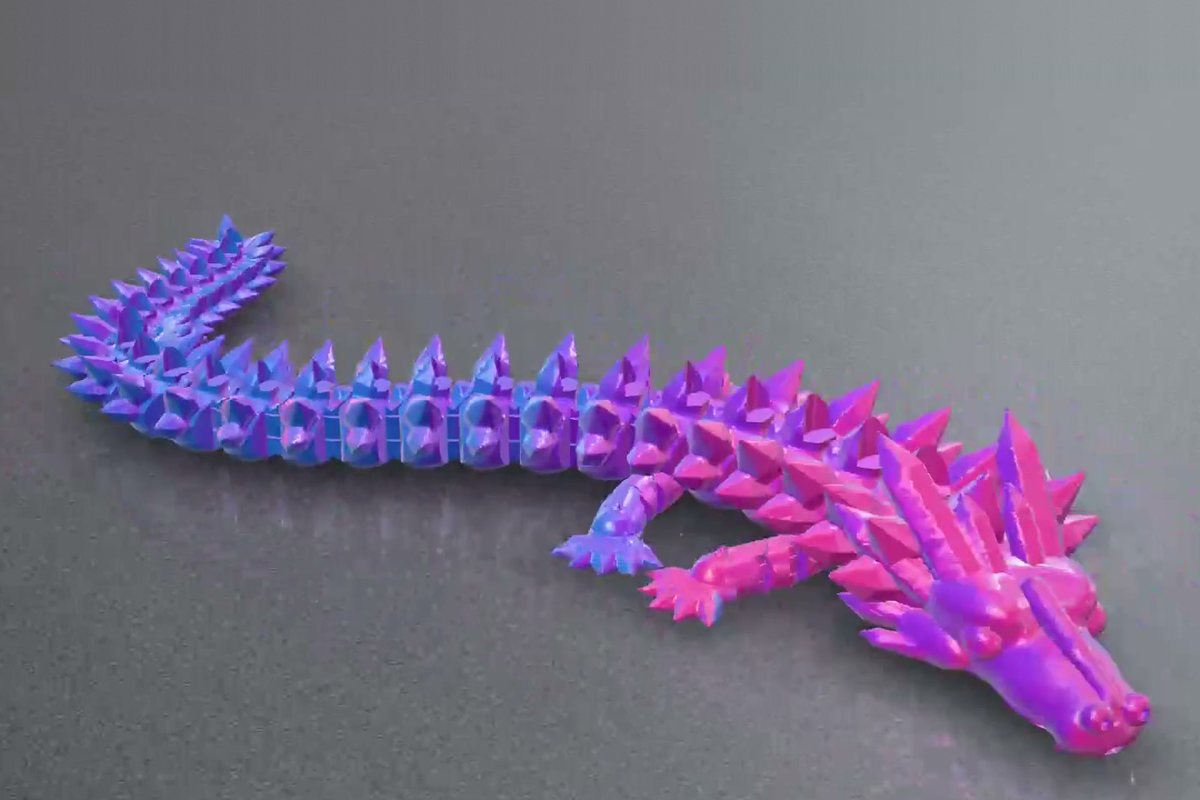
Learn how 3D printers work and how to design for them, from your first phone stand to toys that move straight off the printer: flexible creatures, infinity cubes, fidget clickers and a crystal dragon.
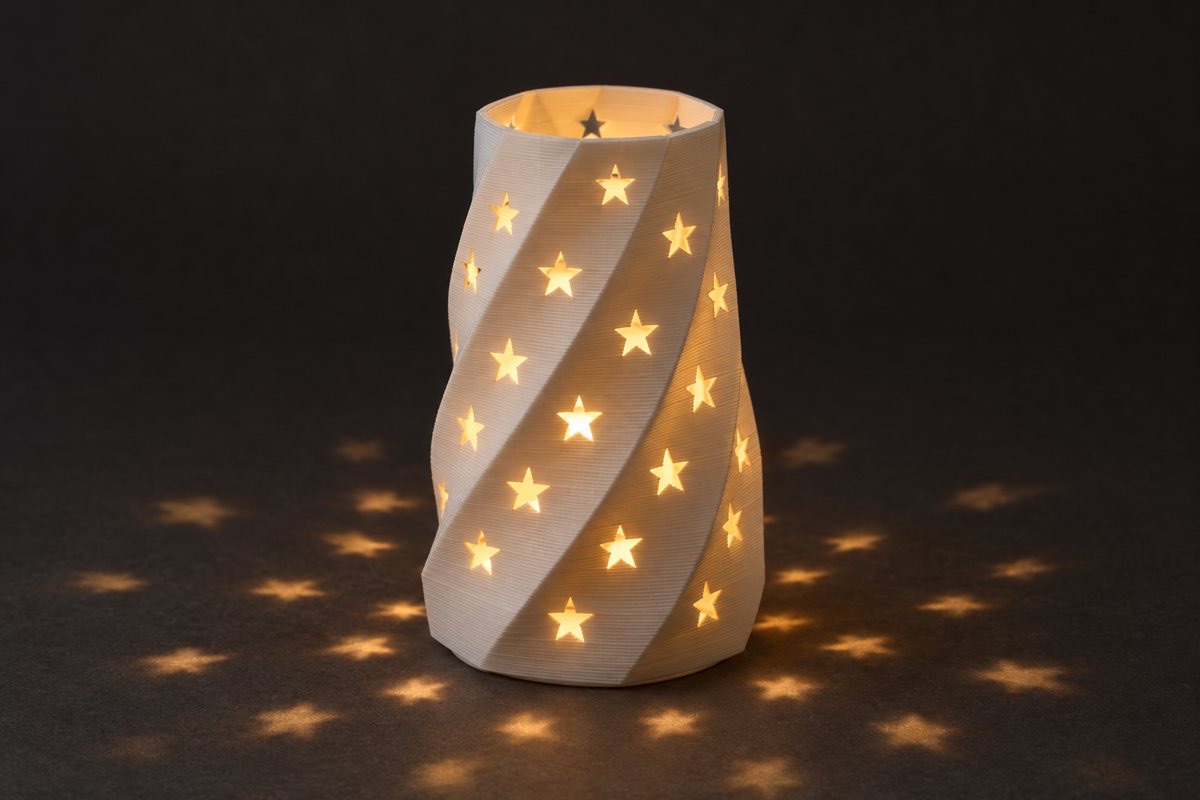
Speed through the Designer tools, then design the way real products are made: snap-fit lids, gears and ratchets, threaded inserts, a phone clamp that fits any tripod, and a lamp shade for an LED tea light.
Yes. 3D Print Studio is a brand-new course on a completely new design platform, Extrudle, which makes things that were too hard before quick to design, such as flexible creatures and parts that move straight off the printer.
Most campers still start as Designers, even if they've 3D printed before, because our tools for jointed creatures, hinges and moving parts will be new to you. As a returning camper you'll move through the Designer projects faster, so you can progress to Engineer level sooner, sometimes within the same week.
Your tutor will talk with you on the first day about what you've designed before. If you're already confident in software such as Fusion or Onshape, we can often fast-track you through some of the first projects.
But there are so many exciting new projects this year that most campers will want to start at Designer level. For the first time, Extrudle lets you design things as sophisticated as you would in Fusion, but in a much simpler way. Hinged objects, jointed creatures and other things that move are projects you won't want to miss.
No. Extrudle has powerful AI, but at camp we teach you from the ground up without it, so you understand all the concepts of designing like an engineer.
Absolutely. Everyone starts from scratch, with a short talk from your tutor at the start of every lesson and a step-by-step guide for every project. If you finish early, every lesson has extension projects to take you further.
Yes. Everyone follows the same lessons, and younger campers get plenty of help from their tutor. Older or faster campers go further with harder challenges and extension projects, so nobody is held back.
Yes. You take your printer home with everything you've made, and a lifetime Extrudle account is included, so you can carry on designing in any web browser.
No. We provide all the computers, tools and equipment you'll need.
We designed Extrudle to be one of the easiest 3D design apps to learn, and one of the most capable for 3D printing. A first-time camper can design and print a phone stand on their first day.
Extrudle also has sophisticated AI built in, but it works just as well for learning the first principles of design, and that's how we use it at camp.
The same tools take you all the way to real engineering products: machines made from trees of parts attached to parts, which move and animate on screen, and are checked for clashes before you print a thing.
This desktop CNC machine was designed entirely in Extrudle. It isn't a camp project, but it shows how far you can take it.
Build your own printer, and take it home with everything you make.
Extrudle is made by Tech Camp, so it's built around how you learn.
Joints, hinges and creatures that move straight off the printer, designed by you.
How 3D printers turn plastic into objects, layer by layer
Sketching with dimensions and constraints
Variables, so one design makes many versions
Overhangs, bridges and designs that need no supports
Fits and clearances, so parts slot and click together
Print-in-place joints, hinges and threads
Organic creatures with blobs, sweeps and patterns
Testing and improving a product people want
Your own Bambu A1 Mini 3D printer
Flexible creatures, fidgets and gadgets you designed yourself
Designs of your own that you're free to sell
A lifetime Extrudle account to keep designing at home
Each of these is designed in Extrudle and prints in one piece, joints and all.
Every lesson starts with a short talk and quiz, then a project and a challenge. Engineers speed through the Designer tools, then move on to their own projects.
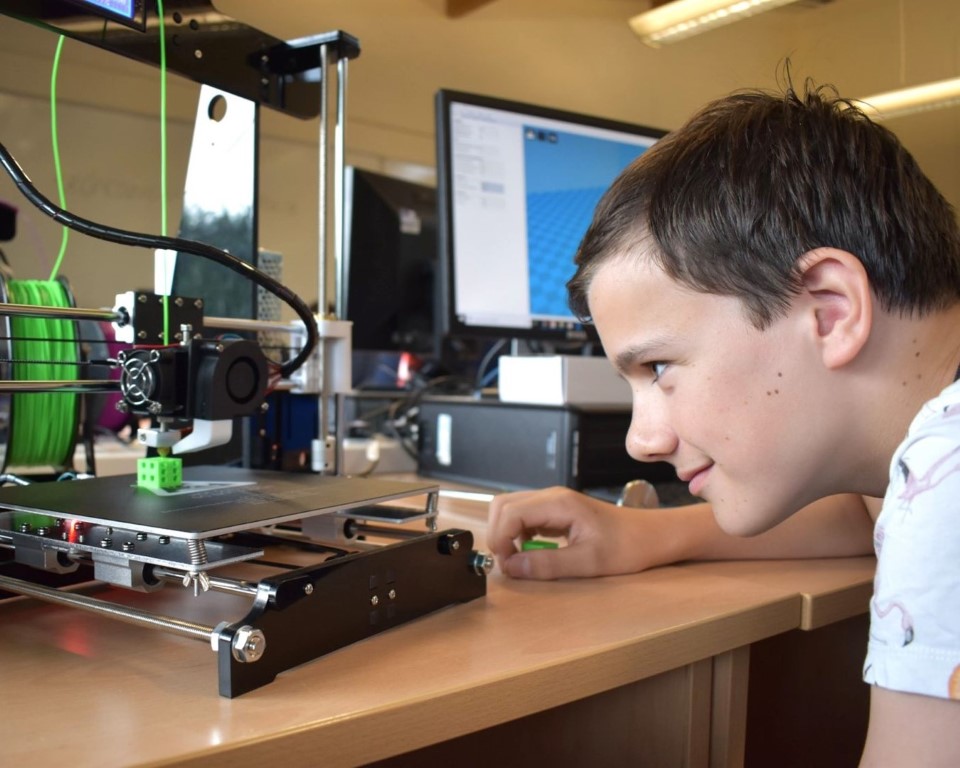
You'll start by building and setting up your own 3D printer, and learning how it turns a reel of plastic into an object, one layer at a time. By lunchtime on Monday it's printing.
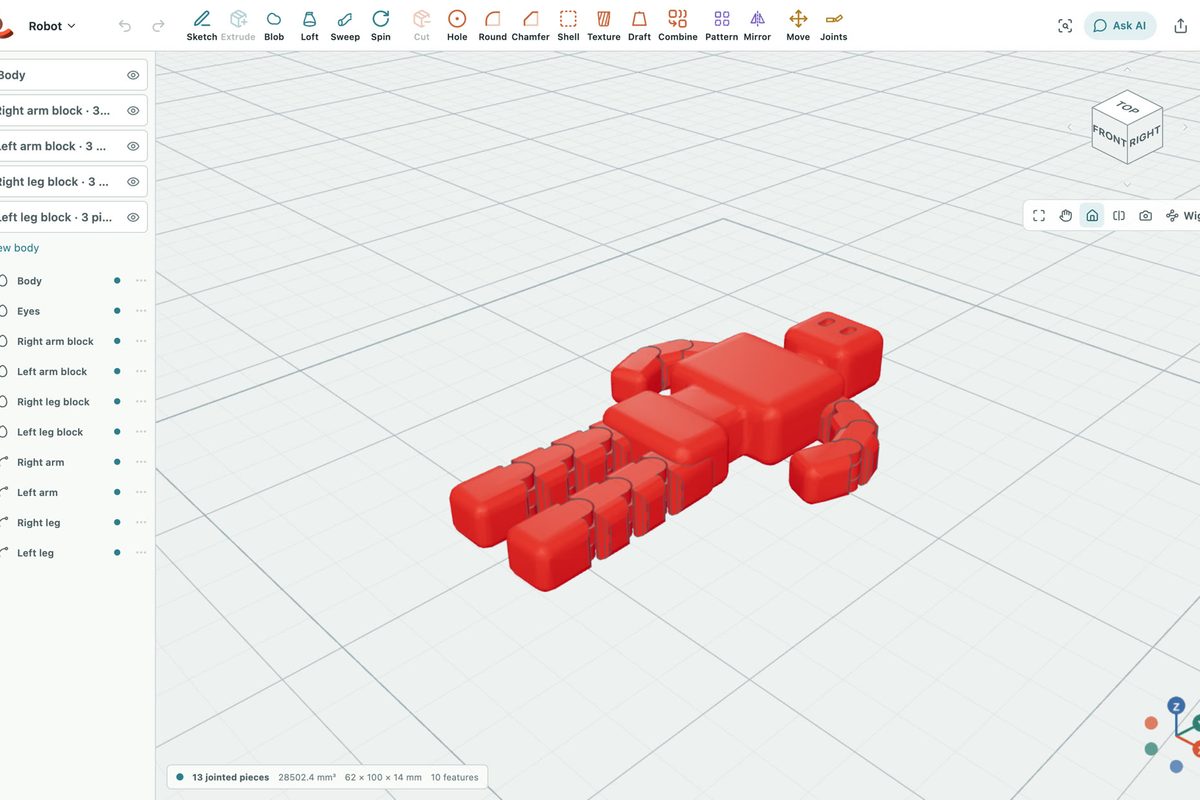
Every lesson teaches a new tool and a new rule of designing for 3D printing. You'll put each one straight into a project, then a challenge your design has to pass before it prints.
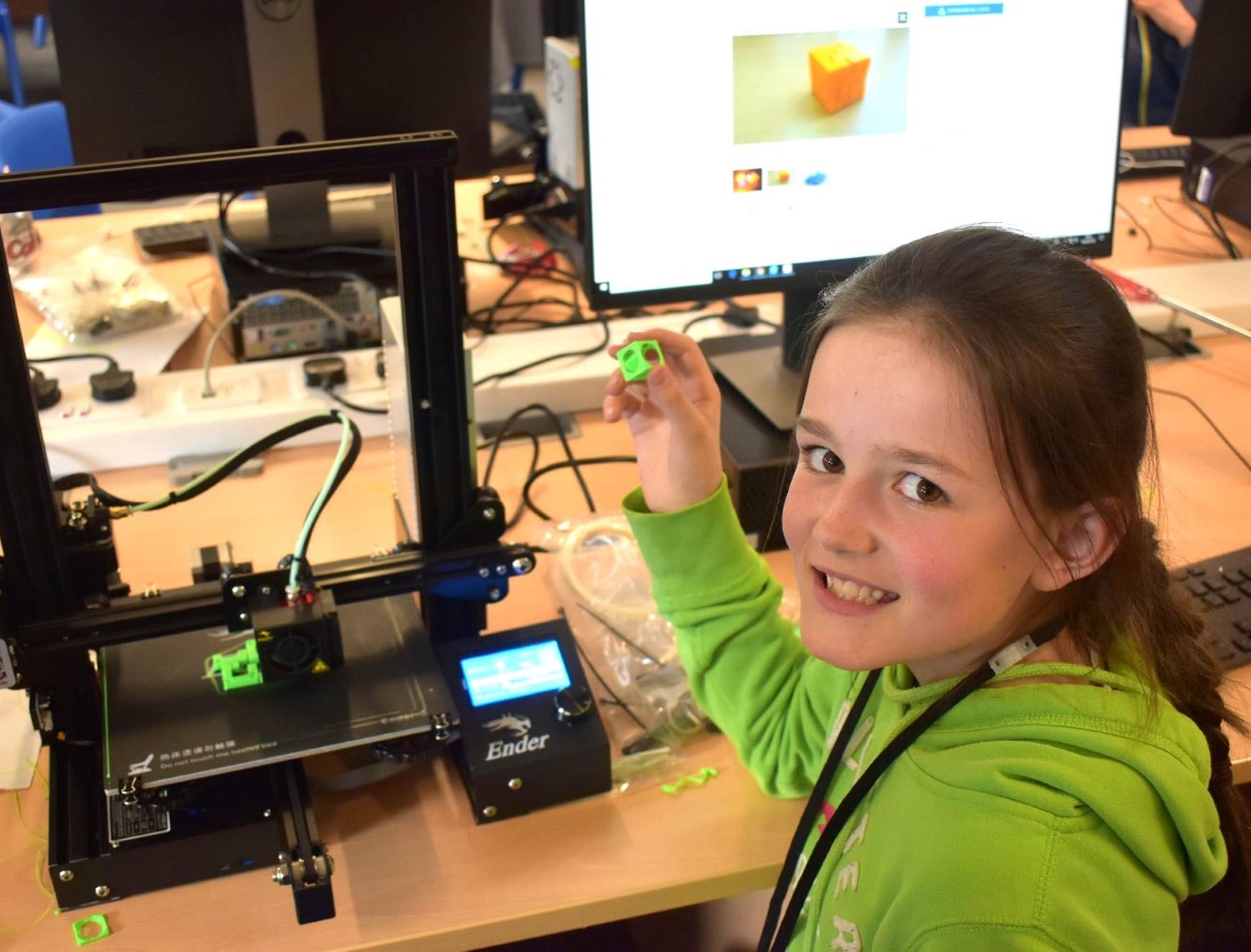
Your designs print during breaks and lunch while you carry on designing. You'll test each one, improve it, and finish the week with your own product to show off.